Turns your Python functions into microservices with web API, interactive GUI, and more.




Getting Started • Features • Examples • Support • Report a Bug • Contribution • Changelog
Instantly turn your Python functions into production-ready microservices. Deploy and access your services via HTTP API or interactive UI. Seamlessly export your services into portable, shareable, and executable files or Docker images. Opyrator builds on open standards - OpenAPI, JSON Schema, and Python type hints - and is powered by FastAPI, Streamlit, and Pydantic. It cuts out all the pain for productizing and sharing your Python code - or anything you can wrap into a single Python function.
Alpha Version: Only suggested for experimental usage.
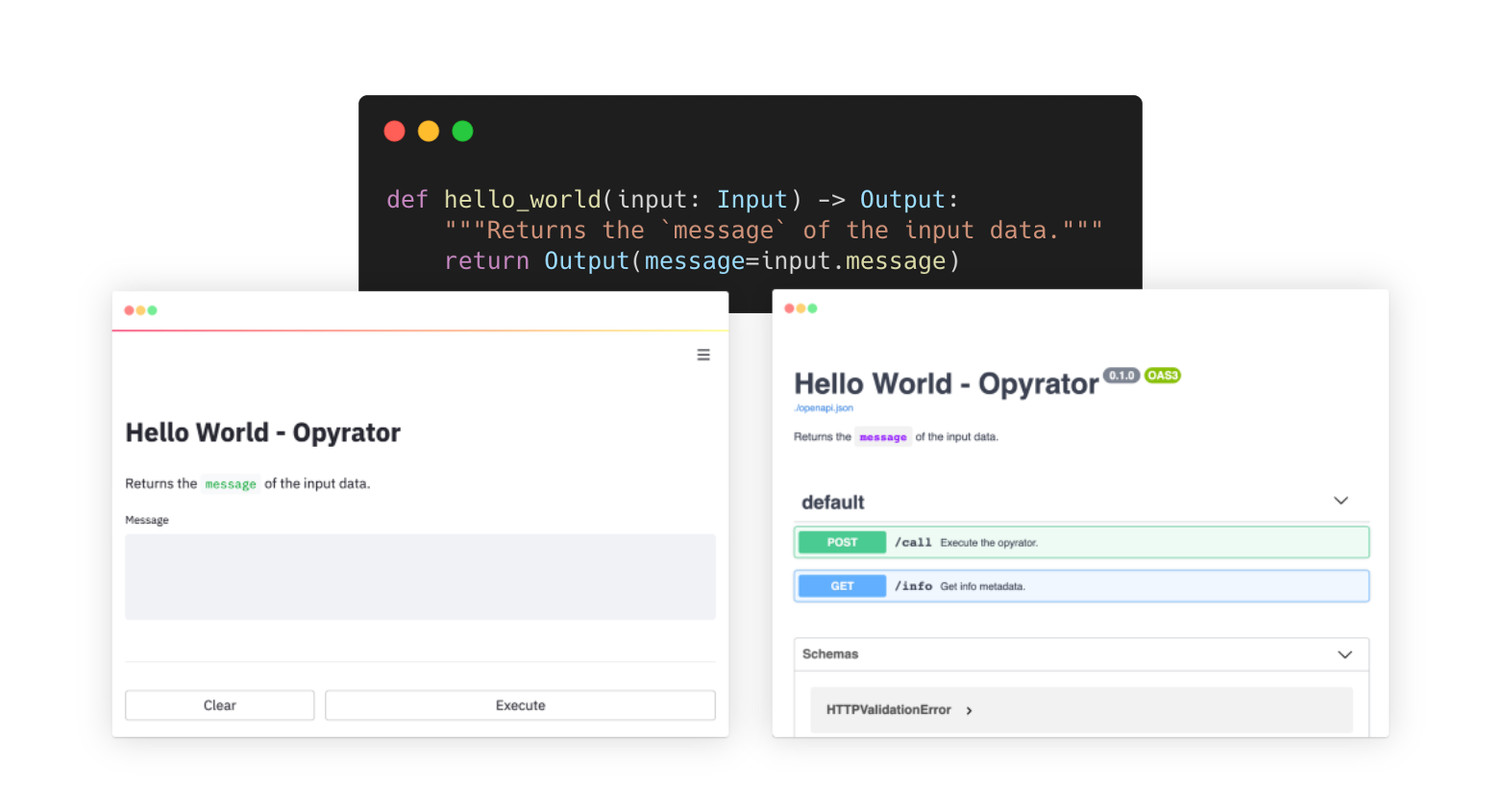
Try out and explore various examples in our playground here.
- 🪄 Turn functions into production-ready services within seconds.
- 🔌 Auto-generated HTTP API based on FastAPI.
- 🌅 Auto-generated Web UI based on Streamlit.
- 📦 Save and share as self-contained executable file or Docker image.
- 🧩 Reuse pre-defined components & combine with existing Opyrators.
- 📈 Instantly deploy and scale for production usage.
Requirements: Python 3.6+.
pip install opyrator-
A simple Opyrator-compatible function could look like this:
from pydantic import BaseModel

class Input(BaseModel):
    message: str

class Output(BaseModel):
    message: str

def hello_world(input: Input) -> Output:
    """Returns the `message` of the input data."""
    return Output(message=input.message)
💡 An Opyrator-compatible function is required to have an
inputparameter and return value based on Pydantic models. The input and output models are specified via type hints. -
Copy this code to a file, e.g.
my_opyrator.py -
Run the UI server from command-line:
opyrator launch-ui my_opyrator:hello_world
In the output, there's a line that shows where your web app is being served, on your local machine.
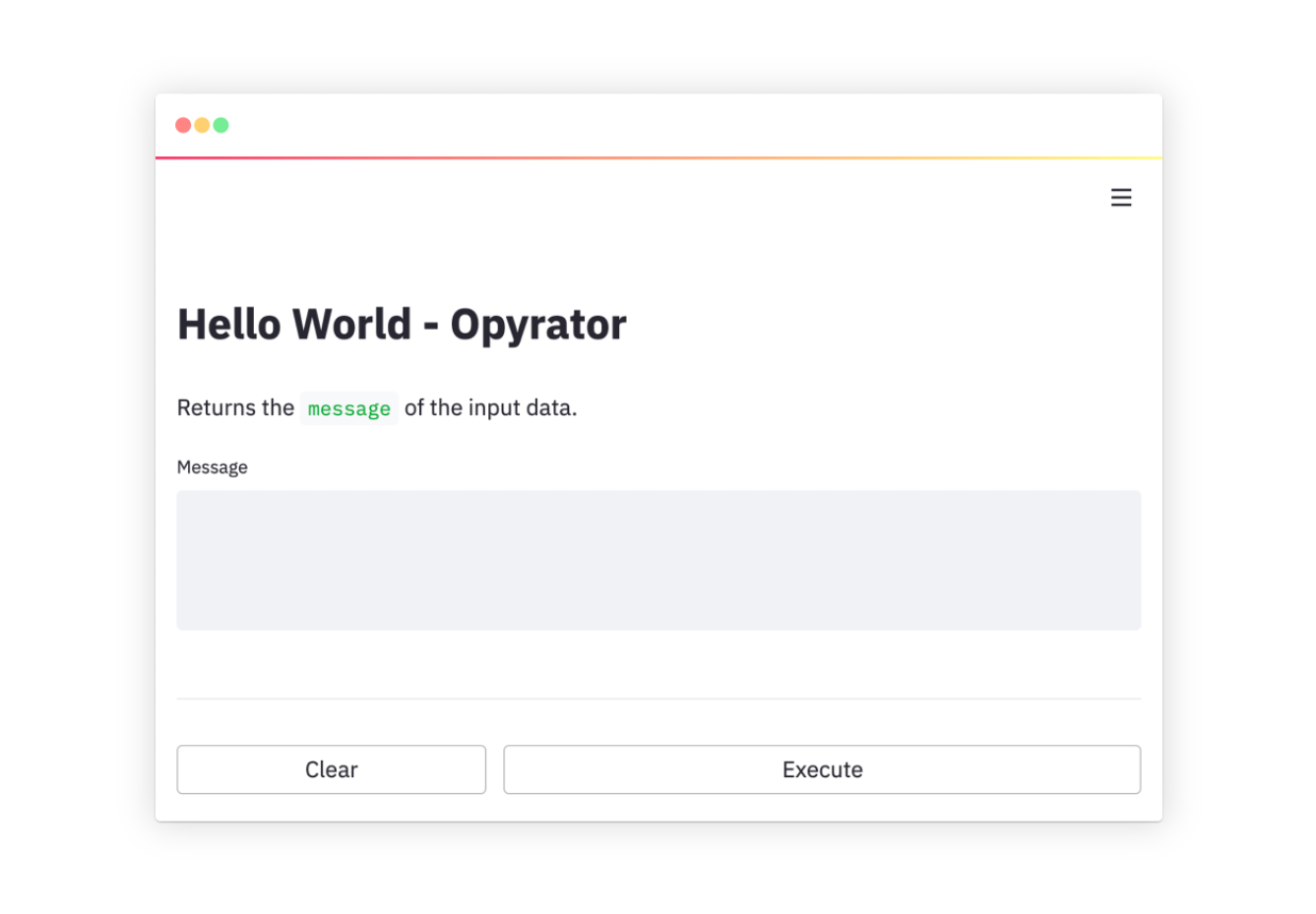
-
Run the HTTP API server from command-line:
opyrator launch-api my_opyrator:hello_world
In the output, there's a line that shows where your web service is being served, on your local machine.
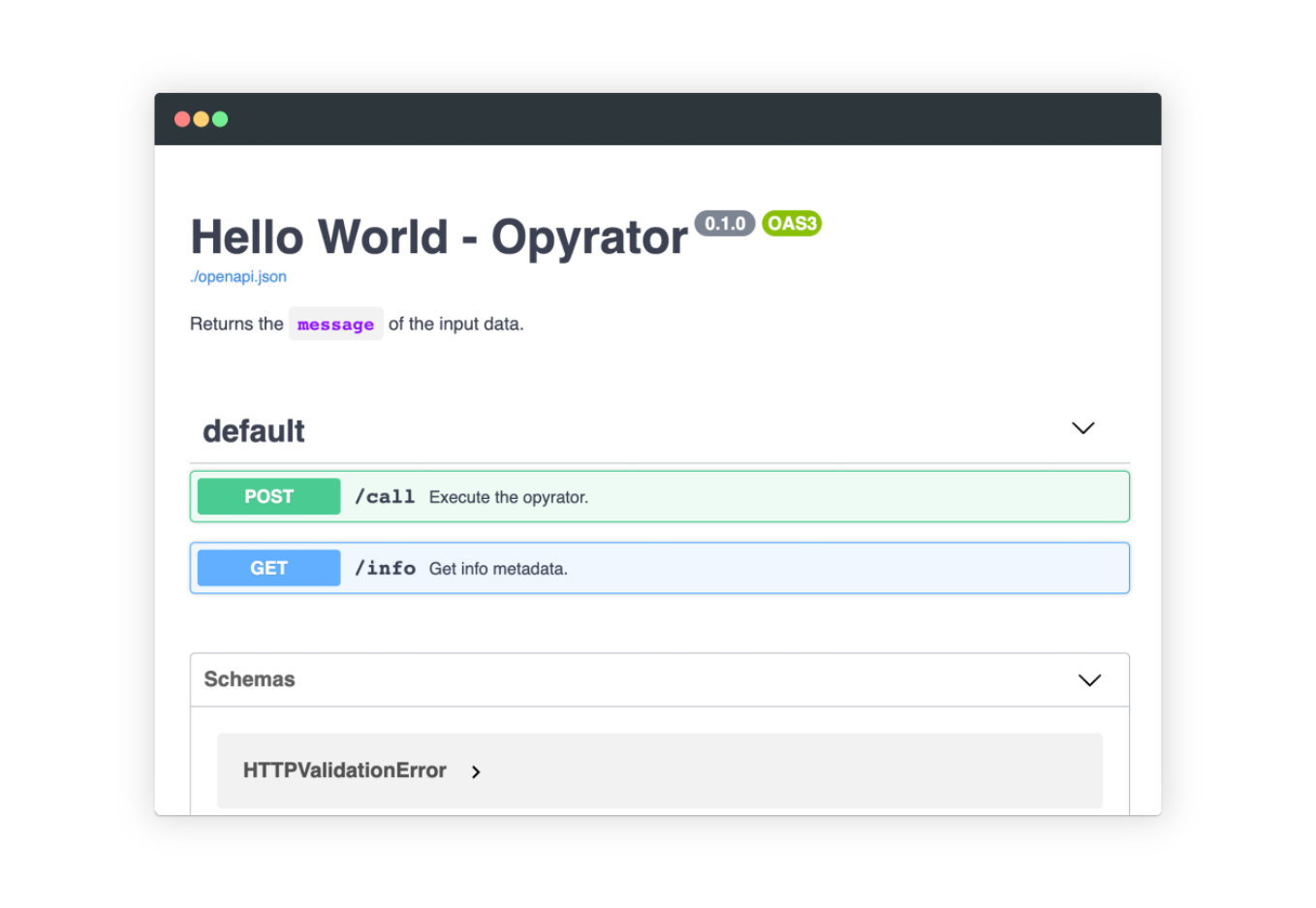
-
Find out more usage information in the Features section or get inspired by our examples.
👉 Try out and explore these examples in our playground here
The following collection of examples demonstrate how Opyrator can support a variety of different tasks and use-cases. All these examples are bundled into a demo playground which you can also deploy on your own machine via Docker: